Android App

Shift calendar that
understands your
schedule

2/2, day/night, every 3 days, extra shifts, shared days off with your partner, alarms, cloud sync and Alice — all in one Android app.
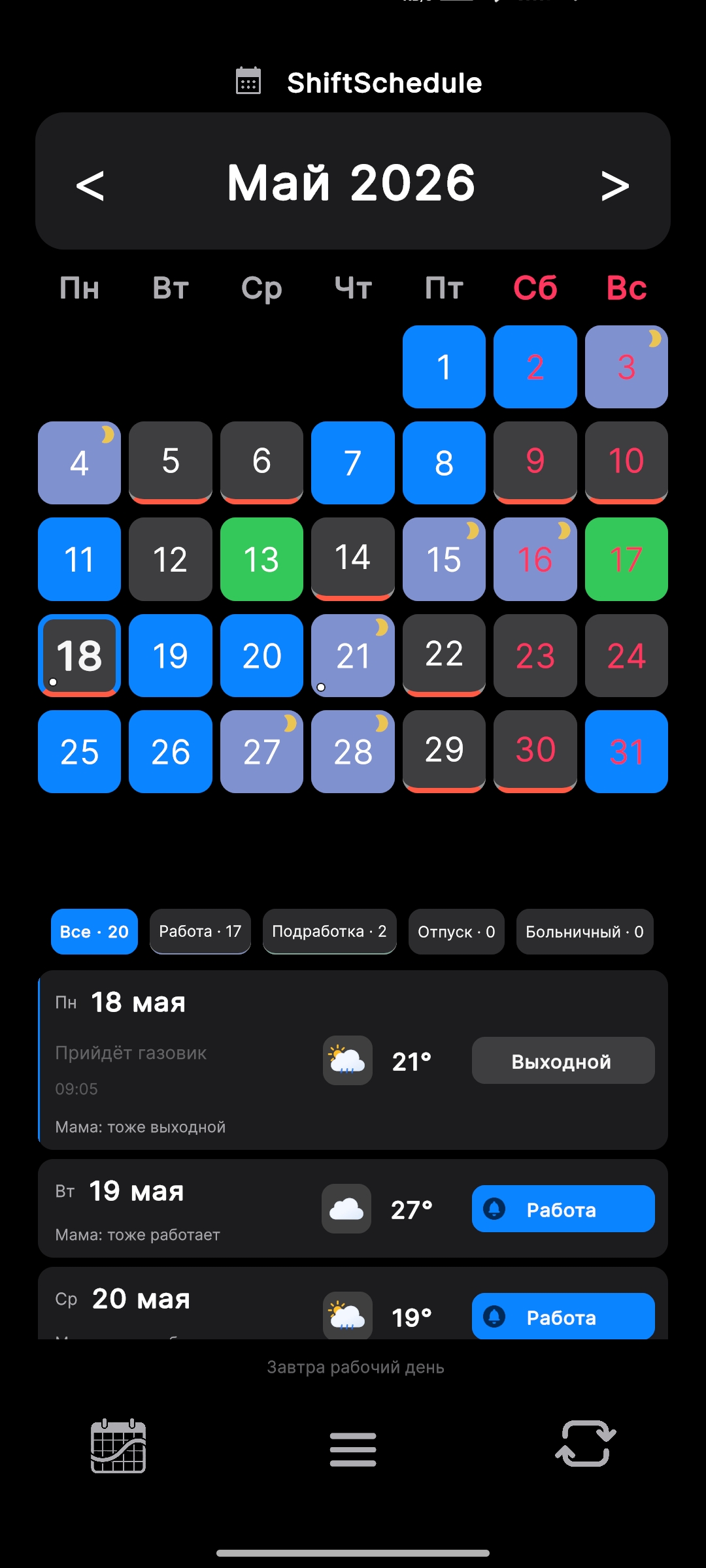
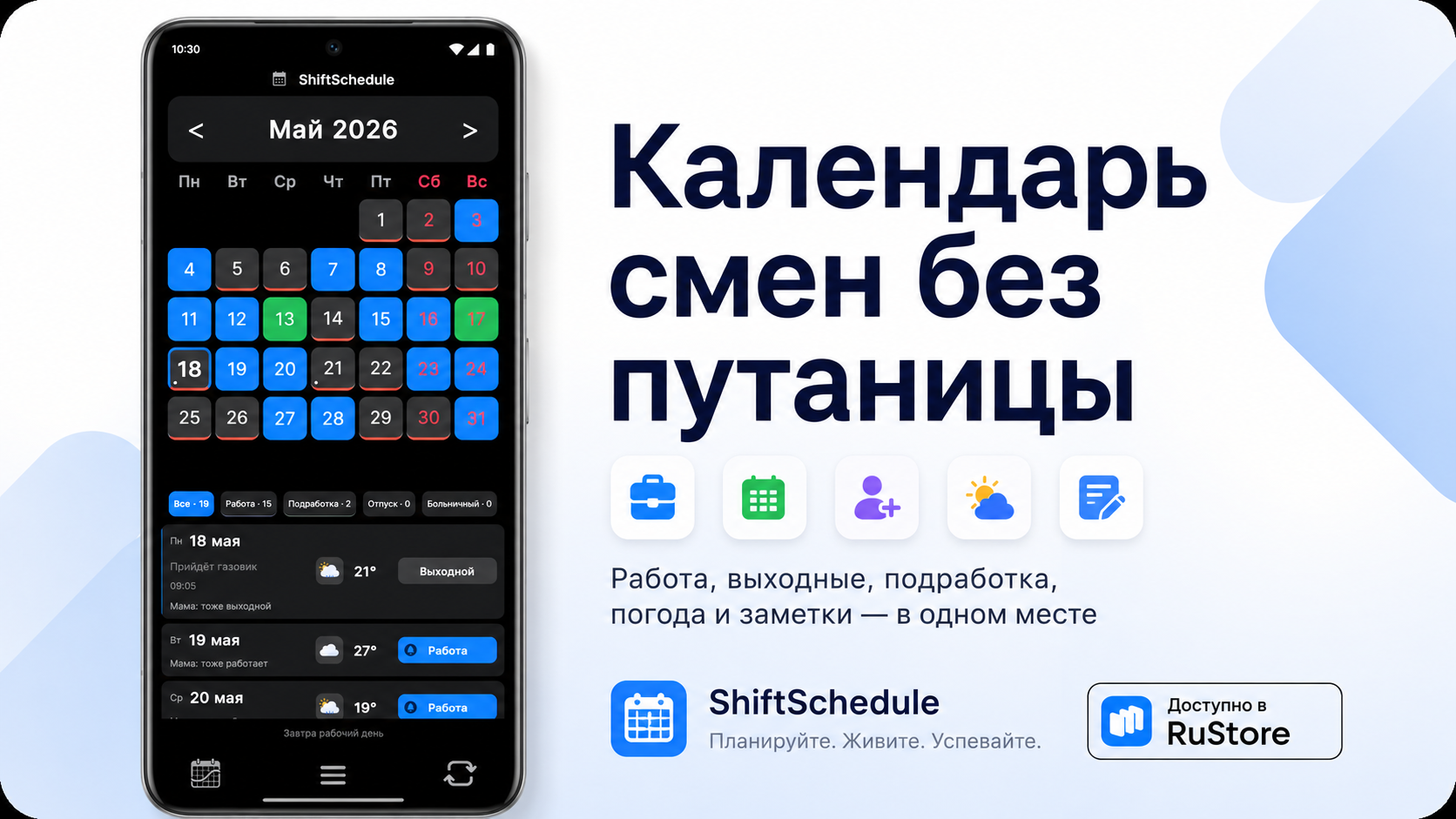
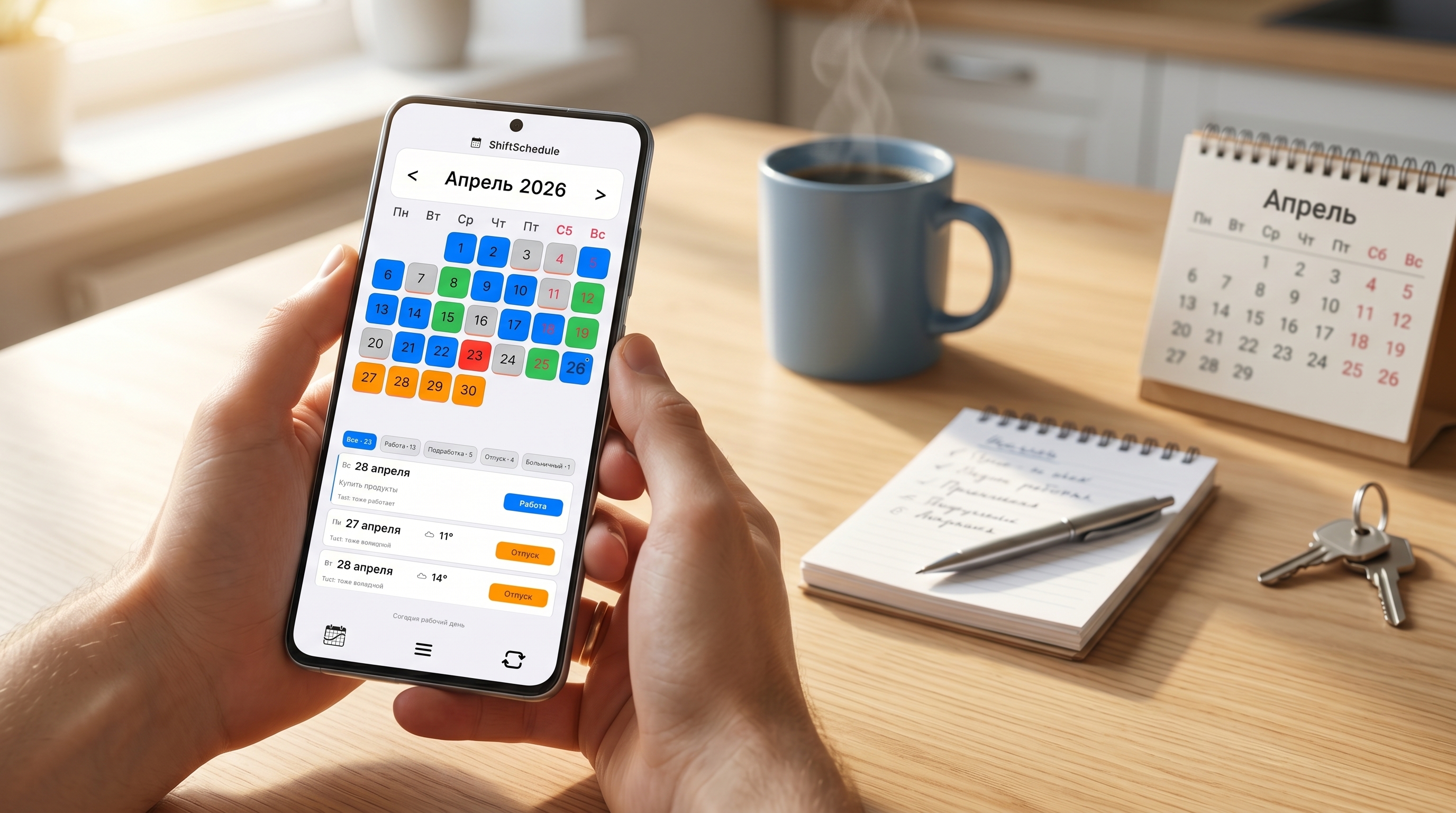
ShiftSchedule — главный экран

Inside the app

Designed for daily use

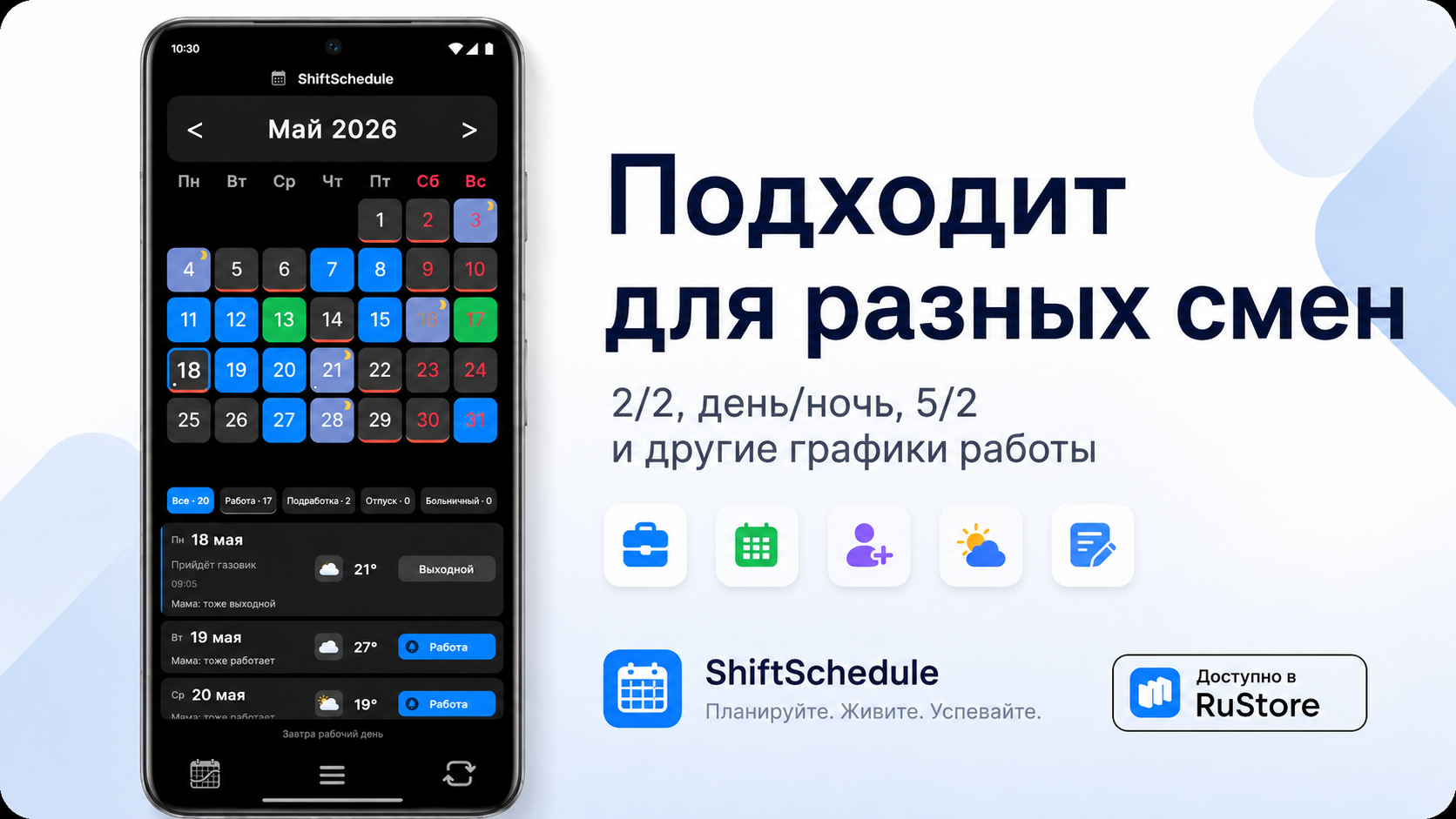
Календарь смен
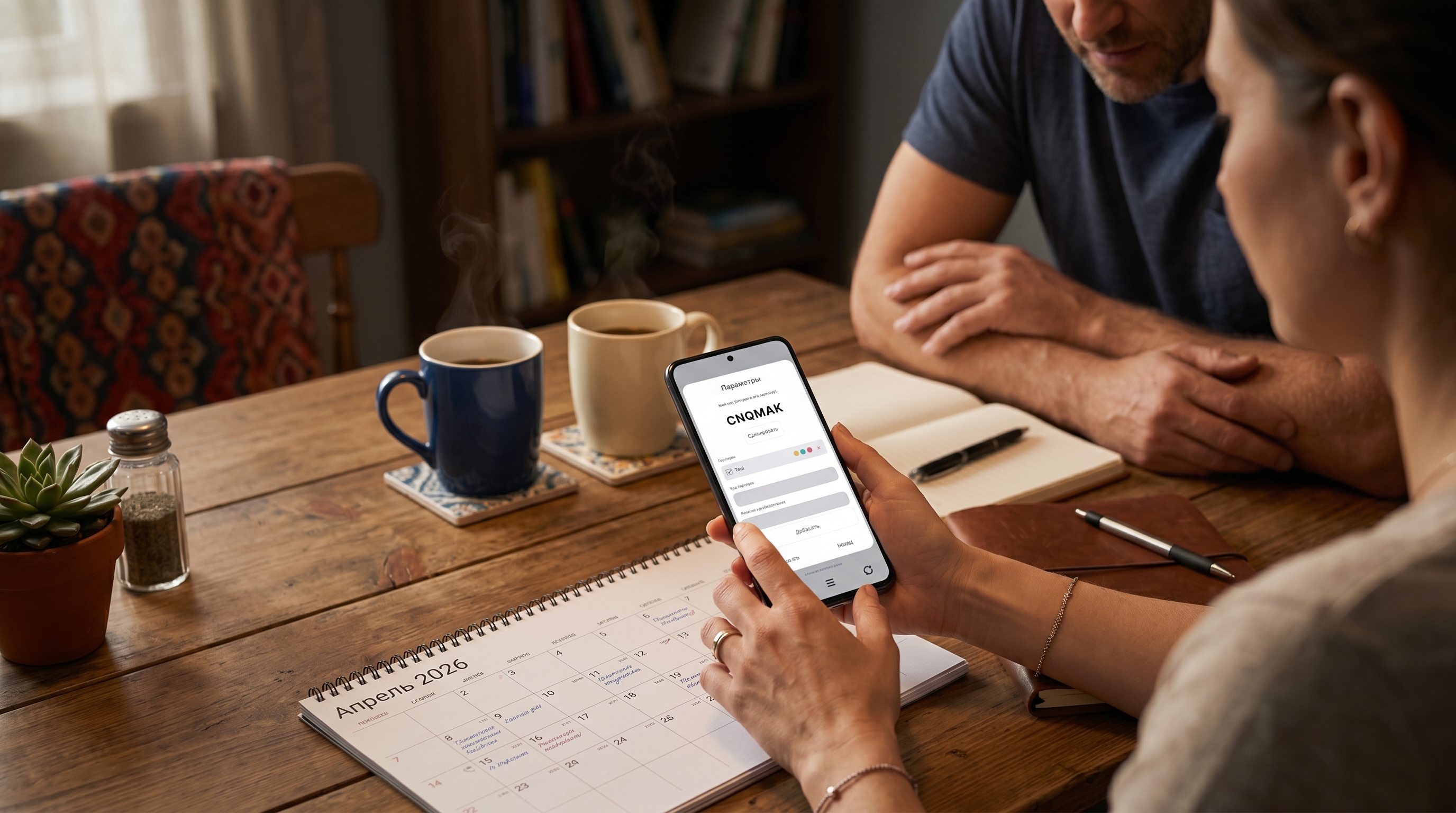
Настройки графика
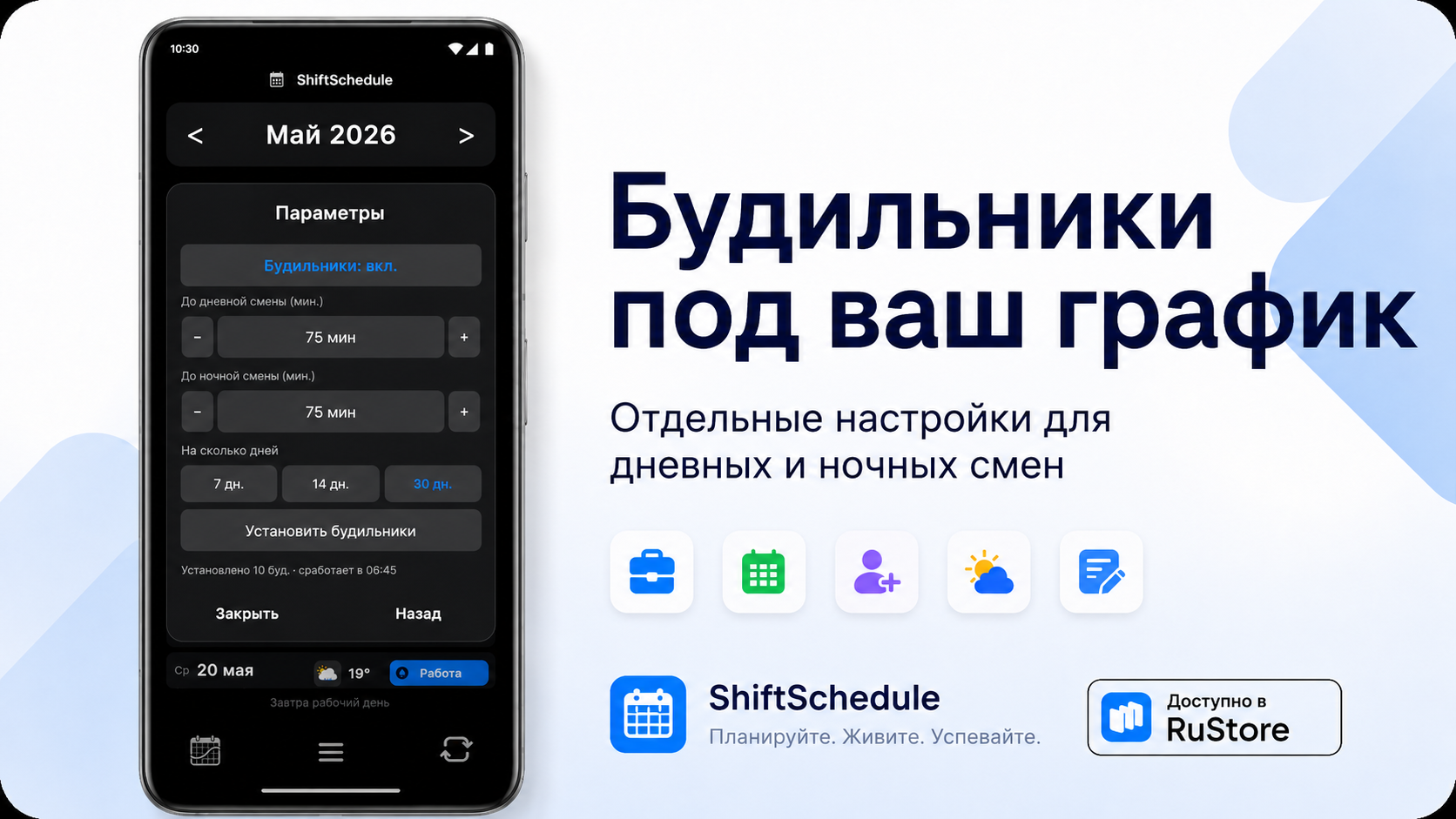
Будильники
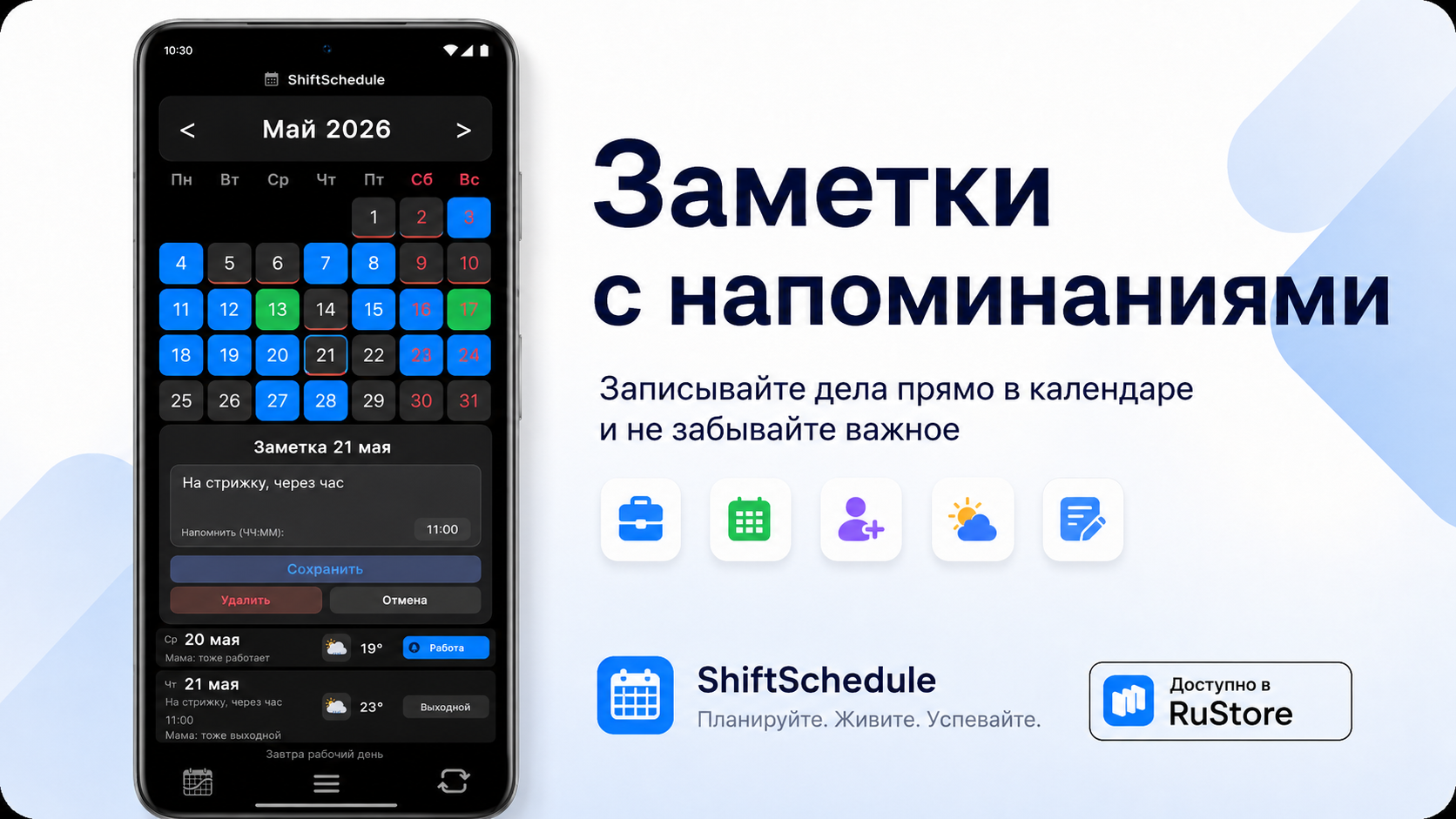
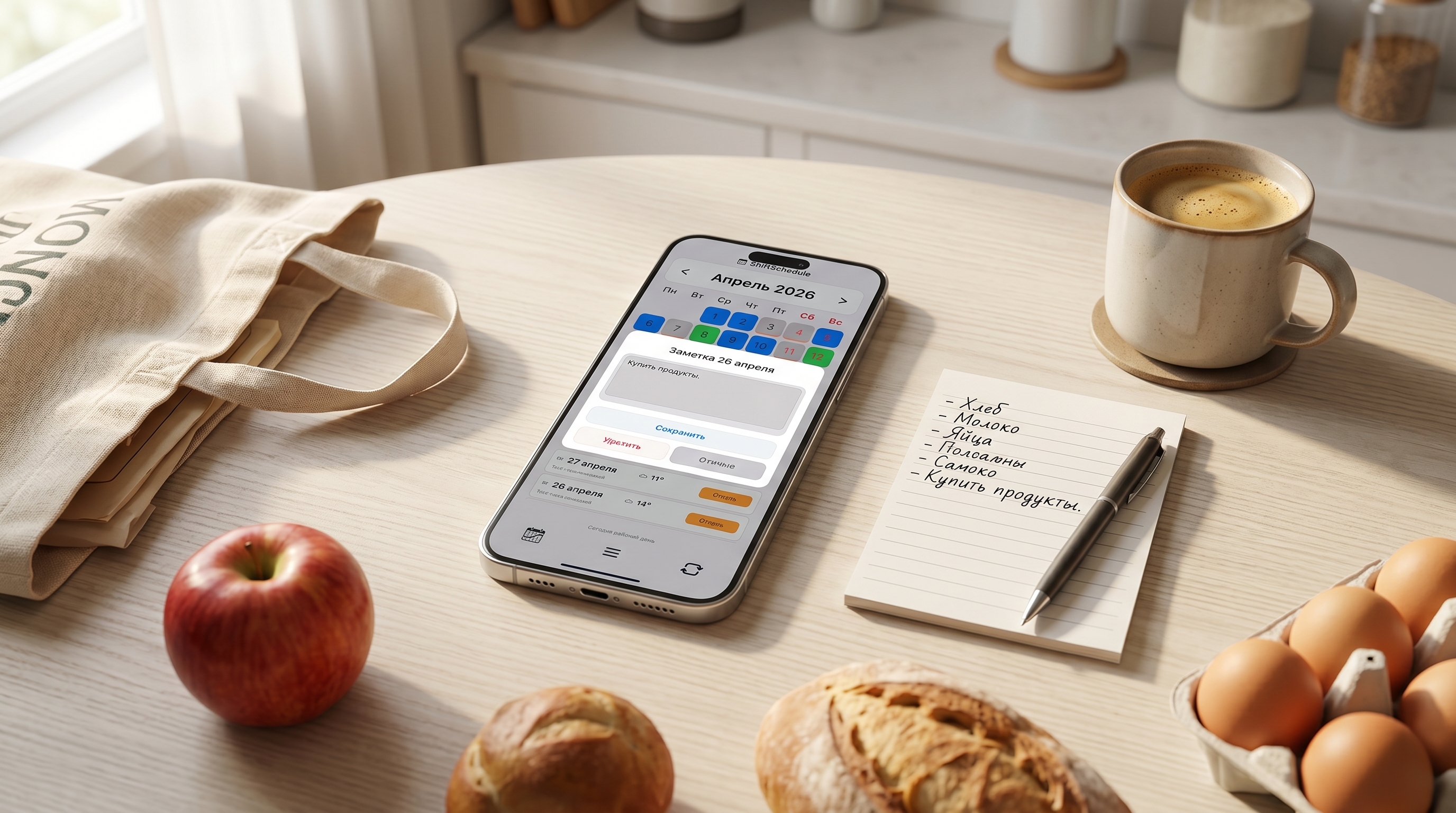
Заметки
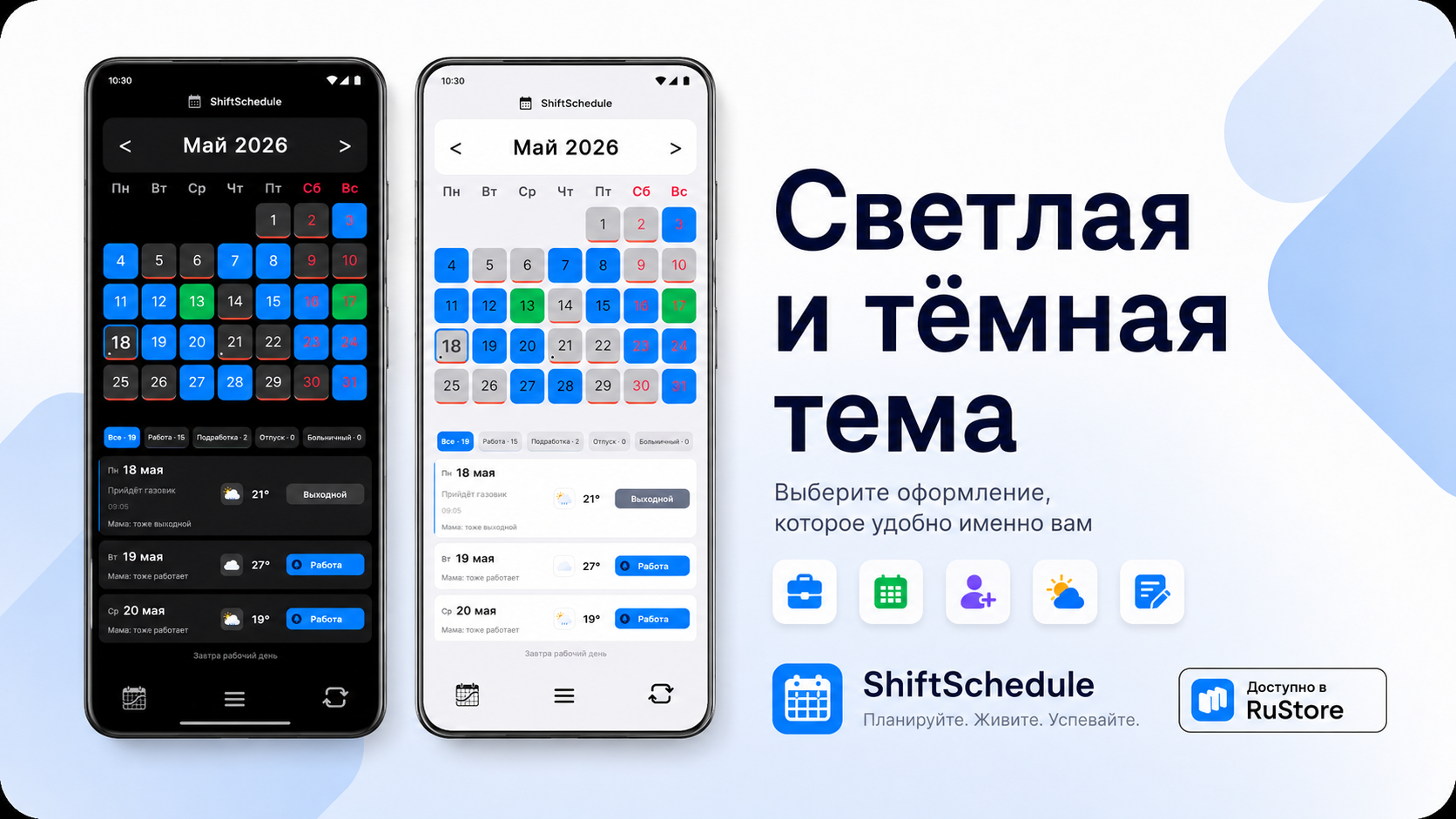
Темы оформления
ShiftSchedule — всегда под рукой
Планирование вместе
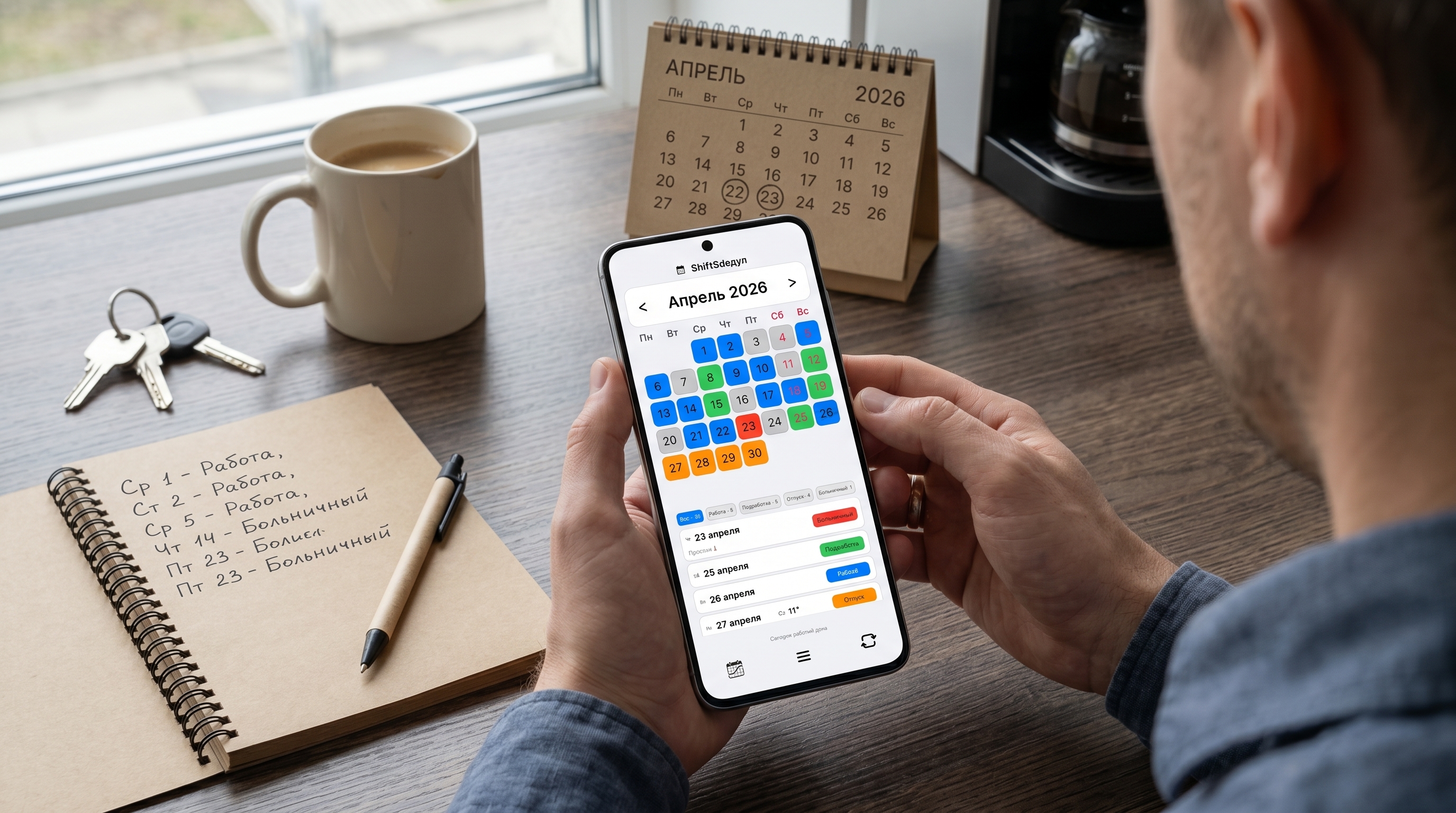
График в телефоне
Сменный работник
Смены всегда рядом

Which schedules

Set any cycle: pick an anchor date and the number of work and rest days

🔵
2/2
2 work / 2 off
🌒
Day/night
Day and night shift cycles
📅
1-in-4
One day on, three off
3/3
3 work / 3 off
💼
5/2
Standard work week
Custom
Any combination of days

Everything for your shift schedule

Free features that work offline

📅

Smart calendar

Automatic shift cycle calculation from an anchor date. Supports any schedule: 2/2, 3/3, 5/2 and more.

🌒

Day & night shifts

Set up cycles with day and night shifts. The schedule list shows the shift type clearly.

Shift alarms

Set once — the app schedules alarms for all upcoming work days automatically.

✏️

Notes, vacation, sick leave

5 day types: Work, Day off, Extra shift, Vacation, Sick leave. Add notes to any day.

☁️

Cloud sync PRO

Back up your schedule to the cloud. Restore on any new device without data loss.

🎙️

Yandex Alice Skill

Ask about your work shifts by voice — on a smart speaker, phone, or smart display.

🌤️

Weather

Weather forecast in the app — for work days, so you know what to wear.

🎨

Themes

Dark and light theme, Glass, Aurora, Nordic, Forest, iOS styles and more.

Work Day off Extra shift Vacation Sick leave
PRO

More features

We strongly recommend linking your email or account in the app — it protects your schedule from loss. And as a bonus — all PRO features free for 14 days.

  • Cloud sync between devices
  • Shared schedule view with a partner
  • Glass & Air and iOS styles
  • New Aurora, Nordic, Forest styles
199 ₽ / one-time
Link account and try PRO free
14 days of PRO features free after linking your account — then 199 ₽ one-time

What's new

Changes in each version

2.1.0 June 2026
  • New Income tab — full salary calculator with progress bar, color-coded chart, bonuses and deductions management
  • Swipe navigation — switch months with a horizontal swipe in the main calendar and Together tab
  • Full localization of new features in Russian, English, and Spanish
  • PRO activates instantly after purchase — no restart needed
2.0.0 June 2026
  • Manual day and night shifts — choose shift type when adding manually
  • Month transition animation — smooth horizontal slide between months
  • Public holidays displayed directly in calendar cells
  • Improved AI tab animation
1.9.0 May 2026
  • Yandex Alice skill "My Shift Schedule" — ask about work shifts by voice on smart speakers or the Yandex app
  • Sign in with Yandex ID and Google — one-tap account login
  • Share code refresh — new Update button with double-tap confirmation
  • Create an account to back up your schedule to the cloud — restores on any device. 14 days PRO free on sign-up
  • Fixed blank screen when denying location permission on some devices (Oppo, ColorOS)
  • Partner schedule now updates correctly after downloading from cloud
1.8.0 May 2026
  • Second schedule — add a second job's schedule on top of your main one: its own shifts, days off, and briefcase icon in cells
  • Shared days off account for partner's second schedule
  • Partner schedule refreshes automatically every 30 seconds
  • Alarms are restored when opening the app after a phone reboot
  • Fixed "Total" filter count
  • Improved compatibility with Xiaomi/MIUI devices
1.7.0 May 2026
  • Animation when switching between light and dark theme
  • Smooth animations when navigating settings sections
  • Alarms are recalculated immediately when tapping Apply
  • Alarm hint now shows the exact time the alarm will fire
  • Fixed: shift time fields were reset on app restart
  • Minor English and Spanish translation fixes
1.6.0 May 2026
  • Manual city input for weather forecast
  • Force weather refresh button in settings
  • Weather city and settings are backed up and restored across devices
  • Android calendar sync is much faster
1.5.0 May 2026
  • Settings are now backed up and restored on reinstall
  • New Meteocons weather icons
  • Added English and Spanish translations
  • Multi-day range selection now works across months
1.4.0 May 2026
  • Note reminders — set a time in a note and get notified on the right day
  • Separate alarm lead time for day and night shifts
  • Reminder time shown directly in the day list
1.3.3 May 2026
  • Range selection — long press to start, tap to set end of range
  • Apply status to all selected days at once
1.3.0 May 2026
  • Alarm minute stepper: tap to type, long-press ± for quick change
  • Changing day status automatically cancels the alarm
  • Dismiss button directly in the shift notification

Download ShiftSchedule

Available for Android

Direct APK: before installing, enable "Install from unknown sources" in Android Settings → Security

Helpful guides

Tips for shift workers