
Shift workers often set up their schedule months in advance: anchor date, shift cycle, manual adjustments, notes for each day. That's a lot of time invested — and it can all be lost in an instant when you change phones, reinstall the app, or accidentally reset your device.
Why this happens
By default, ShiftSchedule (like most apps) stores data locally on your device. This means:
- Data doesn't transfer automatically when you switch phones
- After reinstalling the app, everything starts from scratch
- A factory reset deletes all data with no way to recover it
We regularly hear from users: "Switched phones and lost my whole schedule." To prevent this from happening to you — all you need is to create an account.
How to protect your schedule
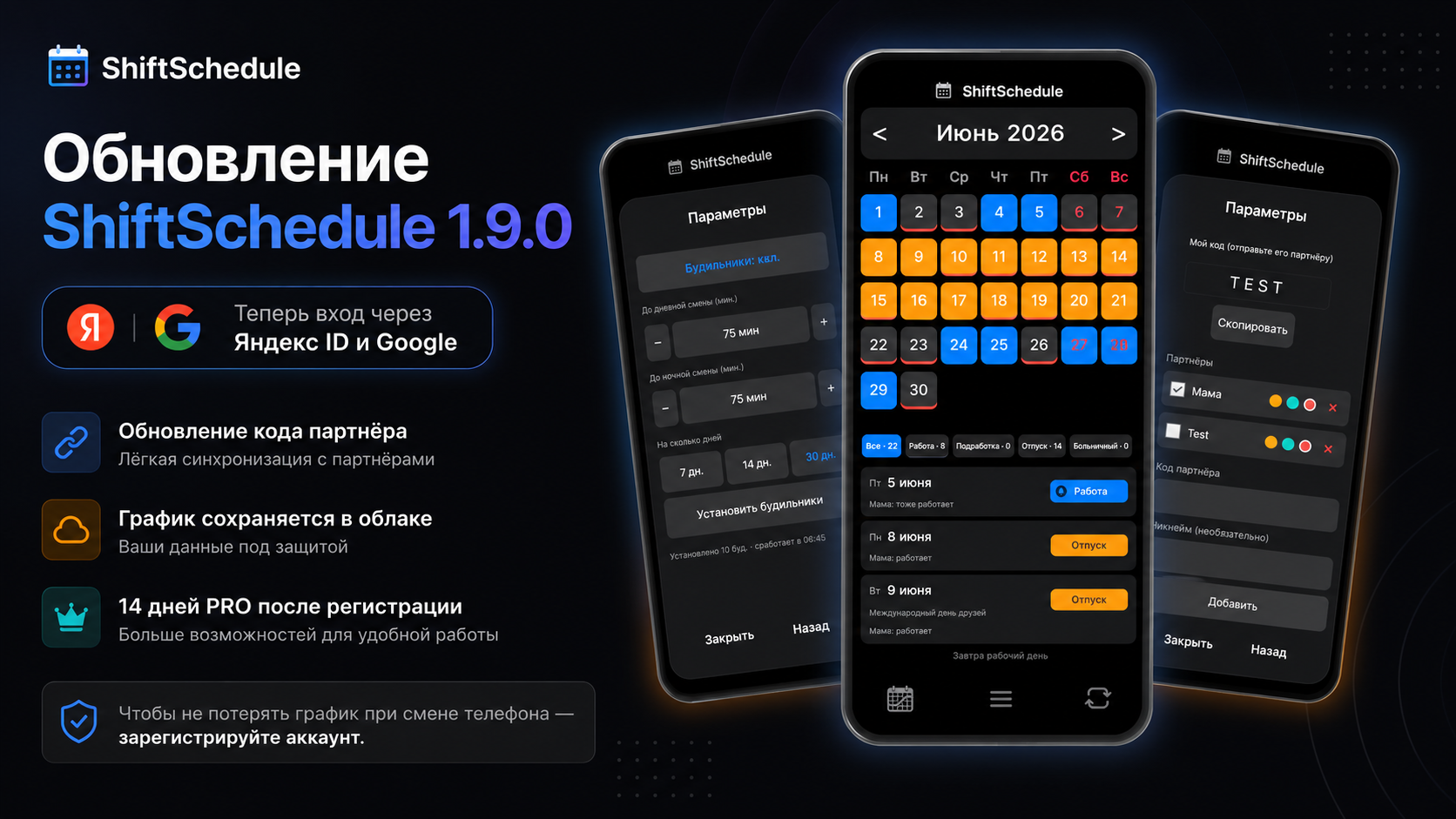
In version 1.9.0 we added quick sign-in via Yandex ID and Google — you can log into your account with one tap. Once signed in, your schedule is automatically saved to the cloud and restored on any device.
How to register
-
1Open the app → tap the sync button (bottom bar, center)
-
2Choose how to sign in: Yandex ID, Google, or email + password
-
3Confirm sign-in — the app will automatically upload your schedule to the cloud
-
4On your new device, sign in the same way — your schedule will restore automatically
What else the account gives you
- Partner sync — share your schedule with a colleague or spouse, see shared days off right in the calendar
- 14 days PRO free — registration unlocks all PRO features for two weeks
- Automatic backups — your schedule saves to the cloud with every change
ShiftSchedule — free for Android
Set up any shift schedule: 2/2, 3/3, every other day, day/night. Partner sync, alarms, notes.
Get on RuStore Direct APK